Fill Patient Notes
Populate relevant questions in your practice's own patient notes template using details from the consultation transcript.
Turn the conversation you've already had into the patient notes you need. Practice Master Pro AI Patient Notes fills in your custom templates from your consultation transcript, with options to prepare patient handouts and annotated diagrams at the same time. Review, refine and save — with less typing along the way.
Available with an optional AI licence. The standard free trial does not include AI by default.
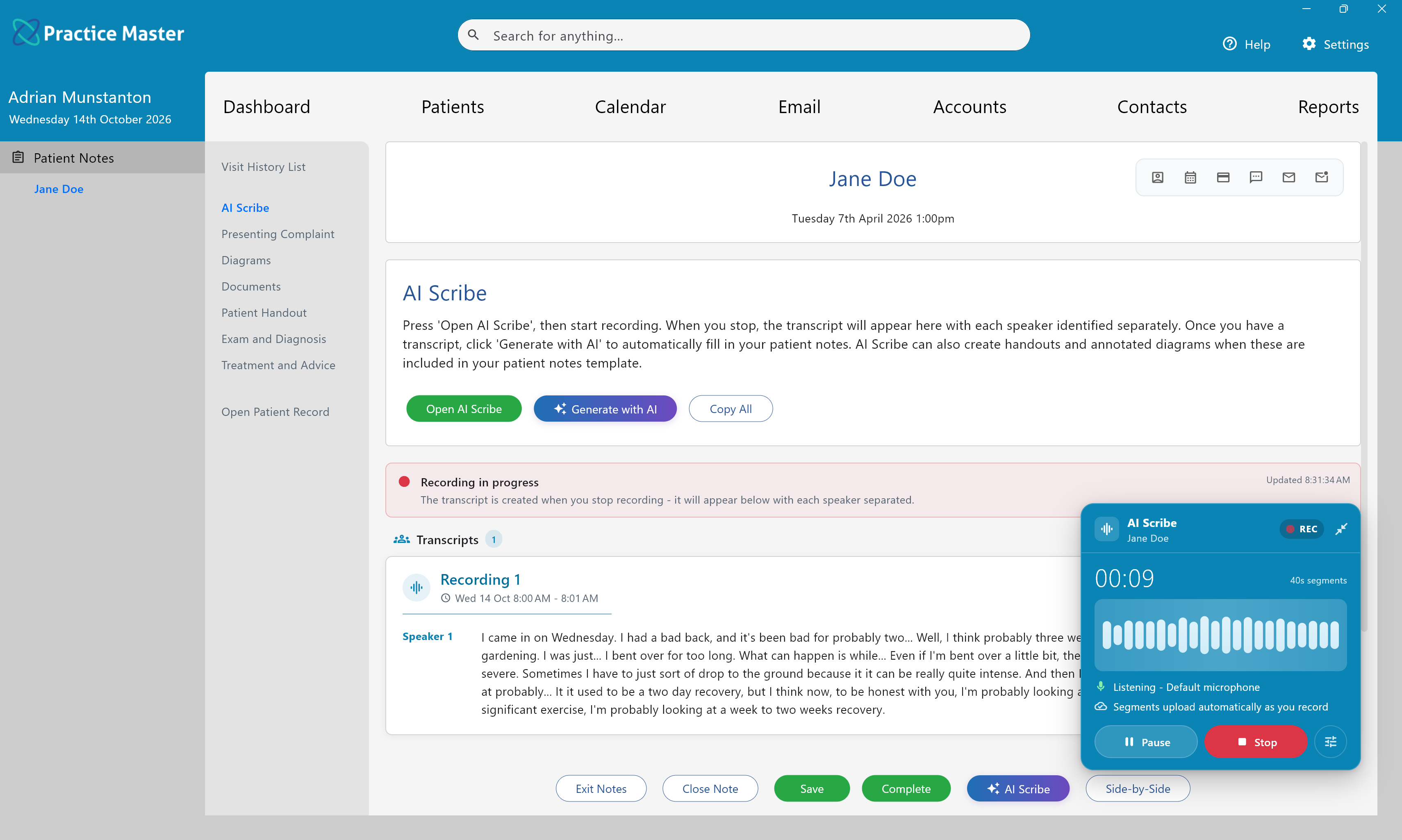
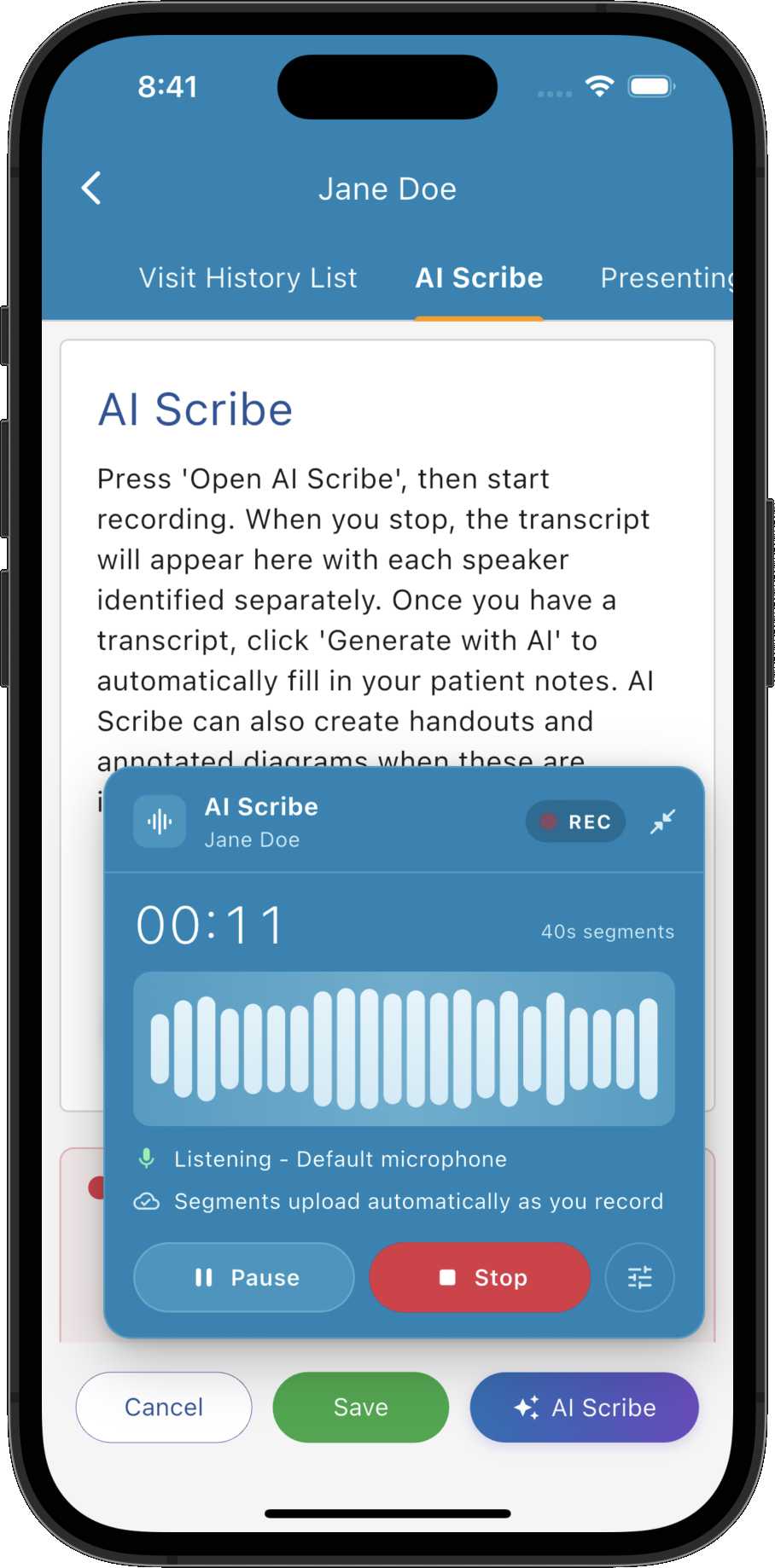
Click “Generate with AI” on the AI Scribe tab to open “Generate from Transcript”. Choose which parts of your patient notes you want to generate from the patient and practitioner conversation.
Populate relevant questions in your practice's own patient notes template using details from the consultation transcript.
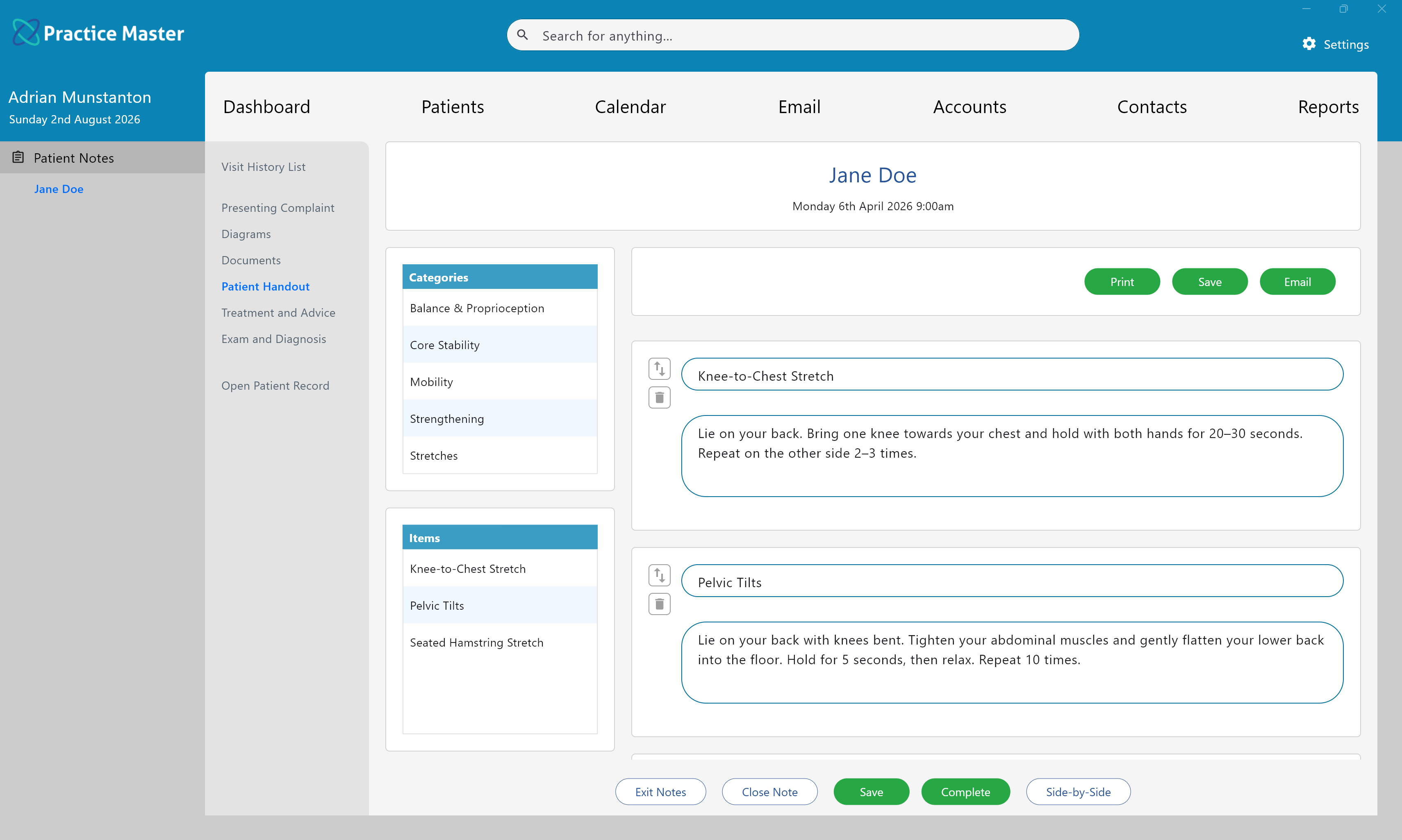
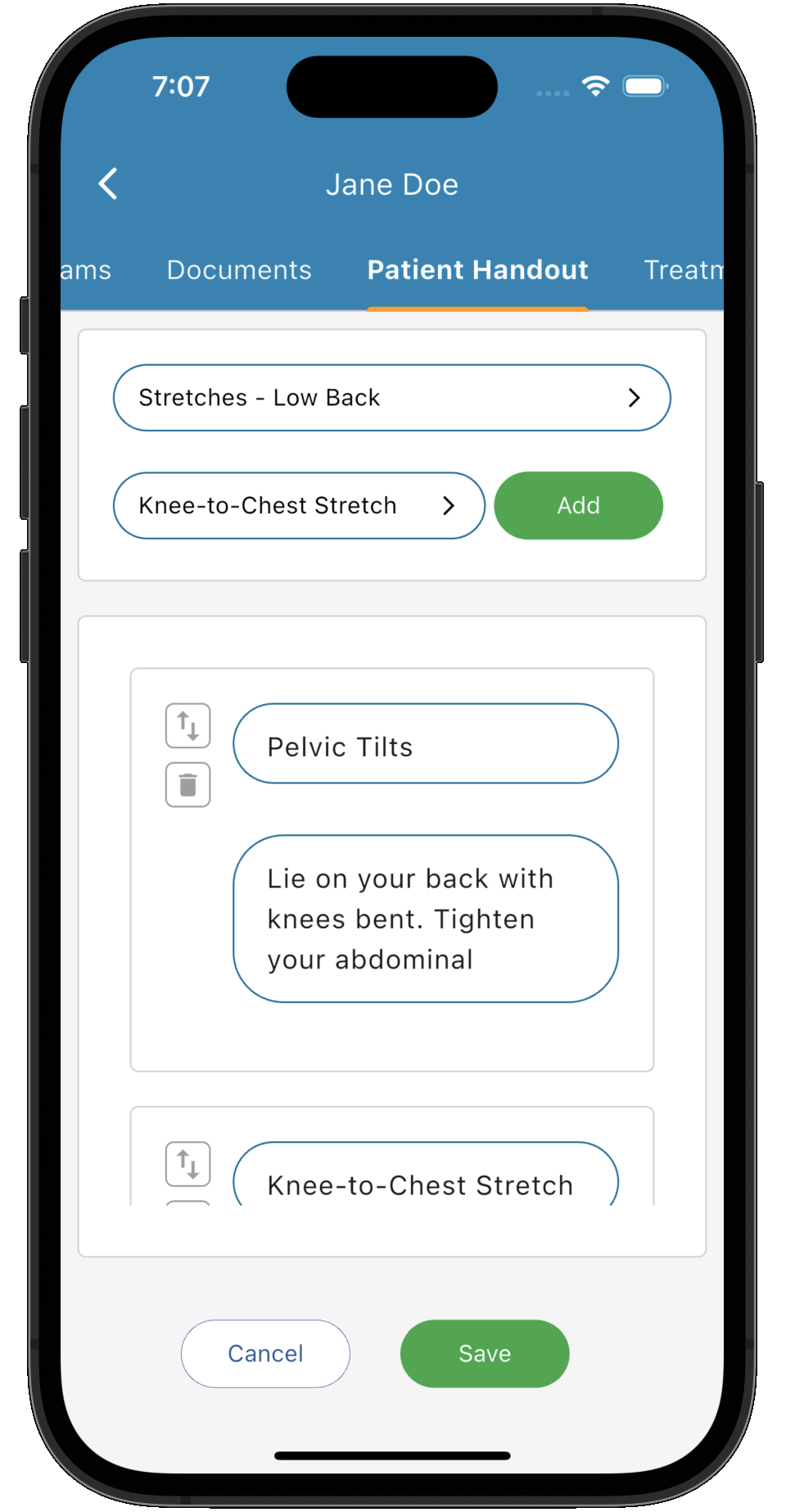
Add relevant information, exercises, stretches or dietary advice from the included handout library, based on what was recommended during the consultation.
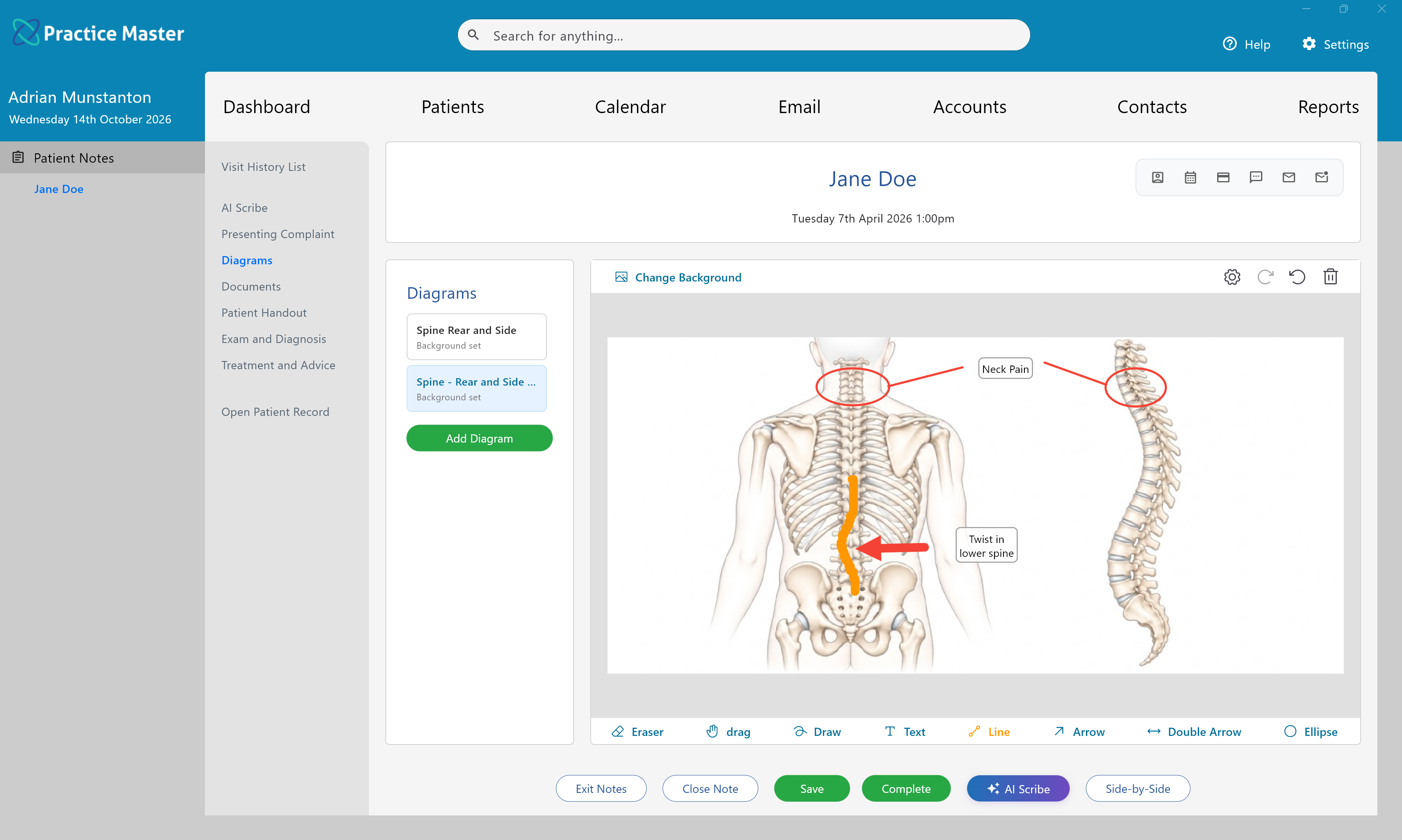
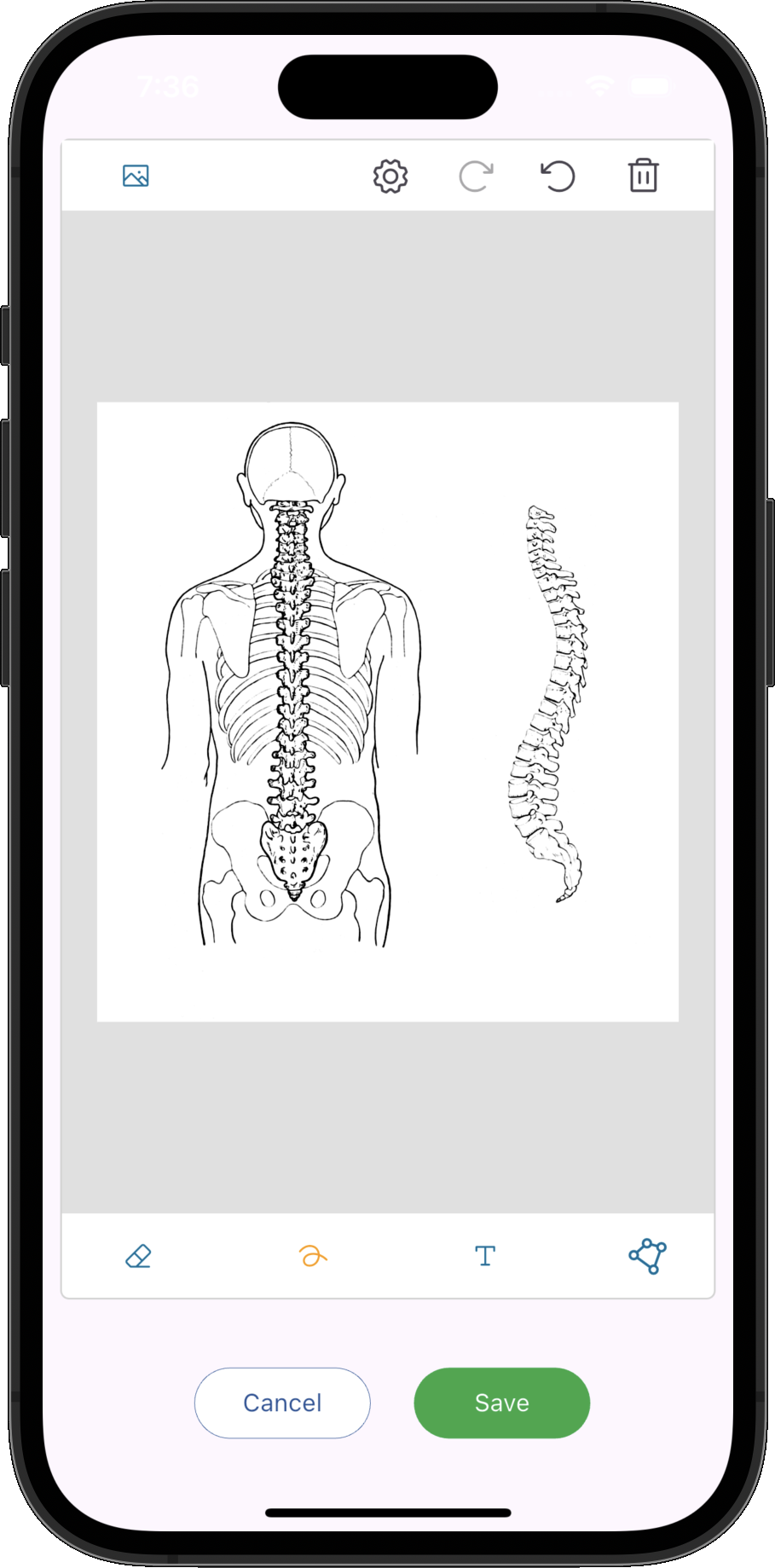
Generate annotated diagrams from the consultation. Let AI recommend diagram backgrounds or choose the backgrounds yourself.
You don't have to rebuild your workflow around a fixed AI notes format. Create your own patient notes templates or modify the built-in ones as much as you like. AI can populate text questions, custom lists with your own values and custom multiple choice questions from the transcript.
When take-home advice suits your modality, tick “Patient Handout”. AI uses the consultation transcript to add appropriate items from your handout library, helping turn the recommendations you've discussed into a handout for your patient.
Enable the included handout library in Practice Master Pro to make its items available for generation.
Tick “Diagrams” to have AI annotate diagram backgrounds using relevant details from the patient and practitioner conversation. Choose how the backgrounds are selected, then review the resulting diagrams alongside your notes.
Use AI Scribe to record the consultation and bring the transcript into your patient notes.
Click “Generate with AI”, select patient notes, a handout or diagrams as needed, and click “Generate”.
Check the generated notes, handout items and diagram annotations against the consultation. Make any changes before saving or completing the patient notes.
Bring AI patient notes, handouts and annotated diagrams into your existing clinical workflow. Ask about trying AI Patient Notes with Practice Master Pro.