Patient billing software. Less admin. Clearer accounts.
Practice Master Pro is patient billing software that connects each appointment to invoicing and payments. Reduce repeated data entry, see outstanding balances and keep your team informed, from the patient visit to the settled account.
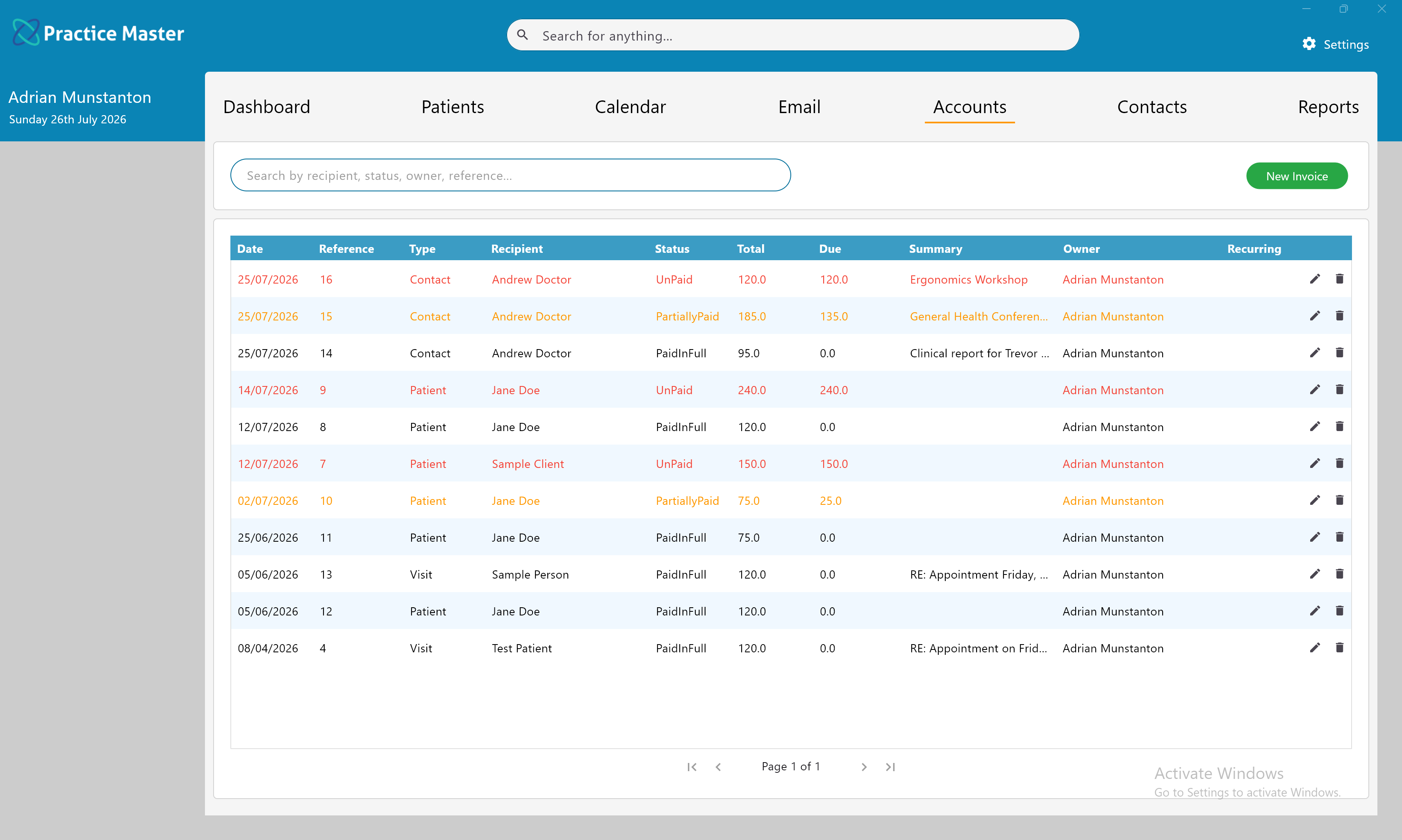
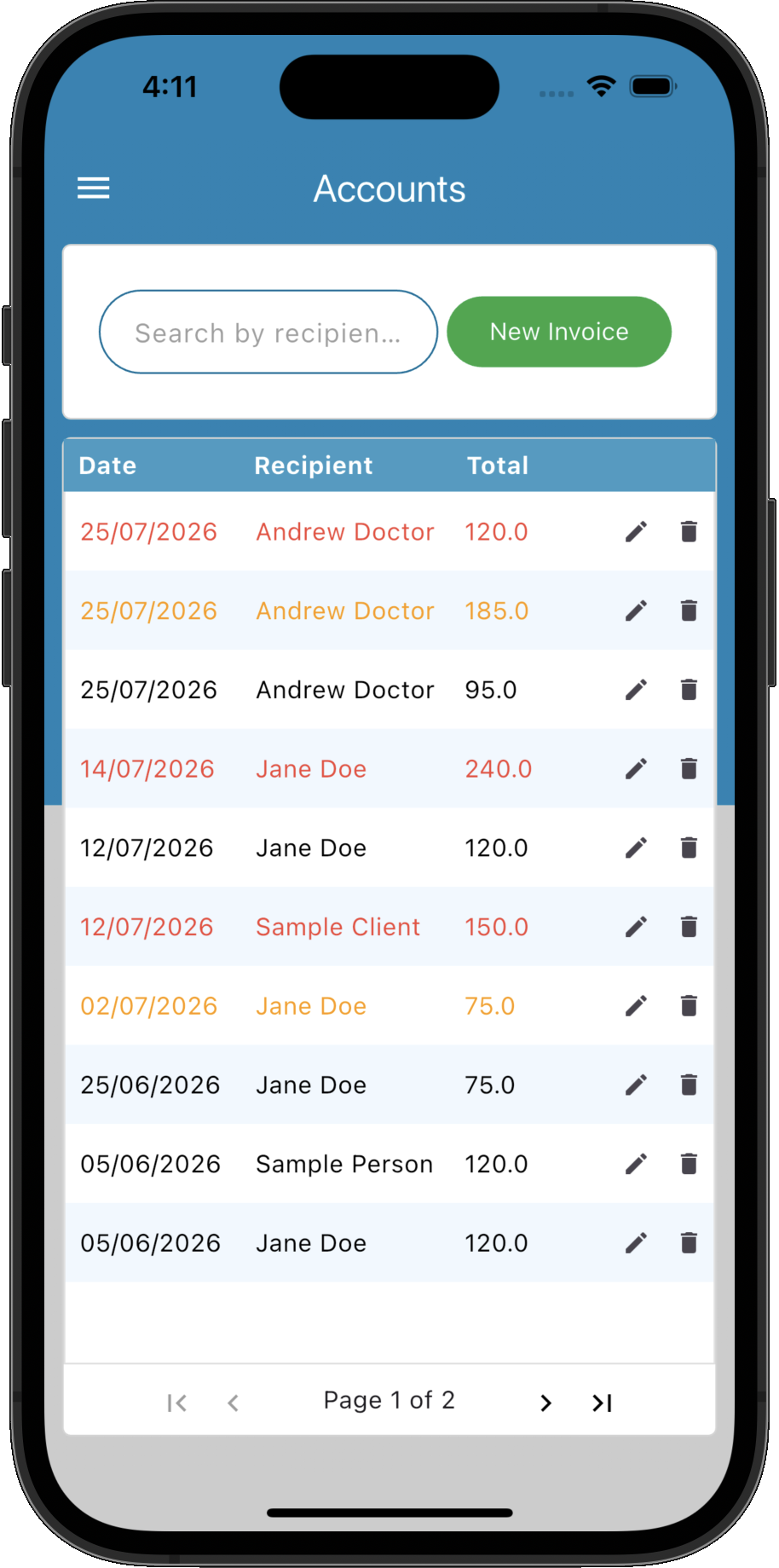
Patient billing software that keeps the next step clear.
Create the invoice, record the payment and see what remains owing within one connected workflow. Give reception the information to act and practitioners a clearer view of patient accounts.
Invoice from the visit
Move from the appointment or patient record into invoicing with the relevant details close at hand.
See what is still owing
Identify unpaid and part-paid invoices so your team can follow up with a clear view of the balance.
Card payments with Stripe & Square
Accept card payments through integrated Stripe and Square online payment gateways, keeping payments connected to your patient billing workflow.
Simplify supported claims
For Australian practices, supported Medicare and health fund integrations help reduce manual entry during claiming.
Offer online payment options
Let patients pay remotely through supported online payment workflows, with payments linked to their accounts.
Make your figures useful
Use billing and payment information to prepare reports for your practice and accountant.
Keep billing visible as the day moves forward.
See billing information alongside patients and appointments, so your team can check invoice and payment status as part of their everyday work. Keep the details connected and make it easier to spot accounts that need attention.
- ✓ Link invoices to the relevant patient and appointment
- ✓ Check unpaid and partially paid invoice status
- ✓ Review billing from patient records and accounts
- ✓ Follow each visit through invoicing and payment
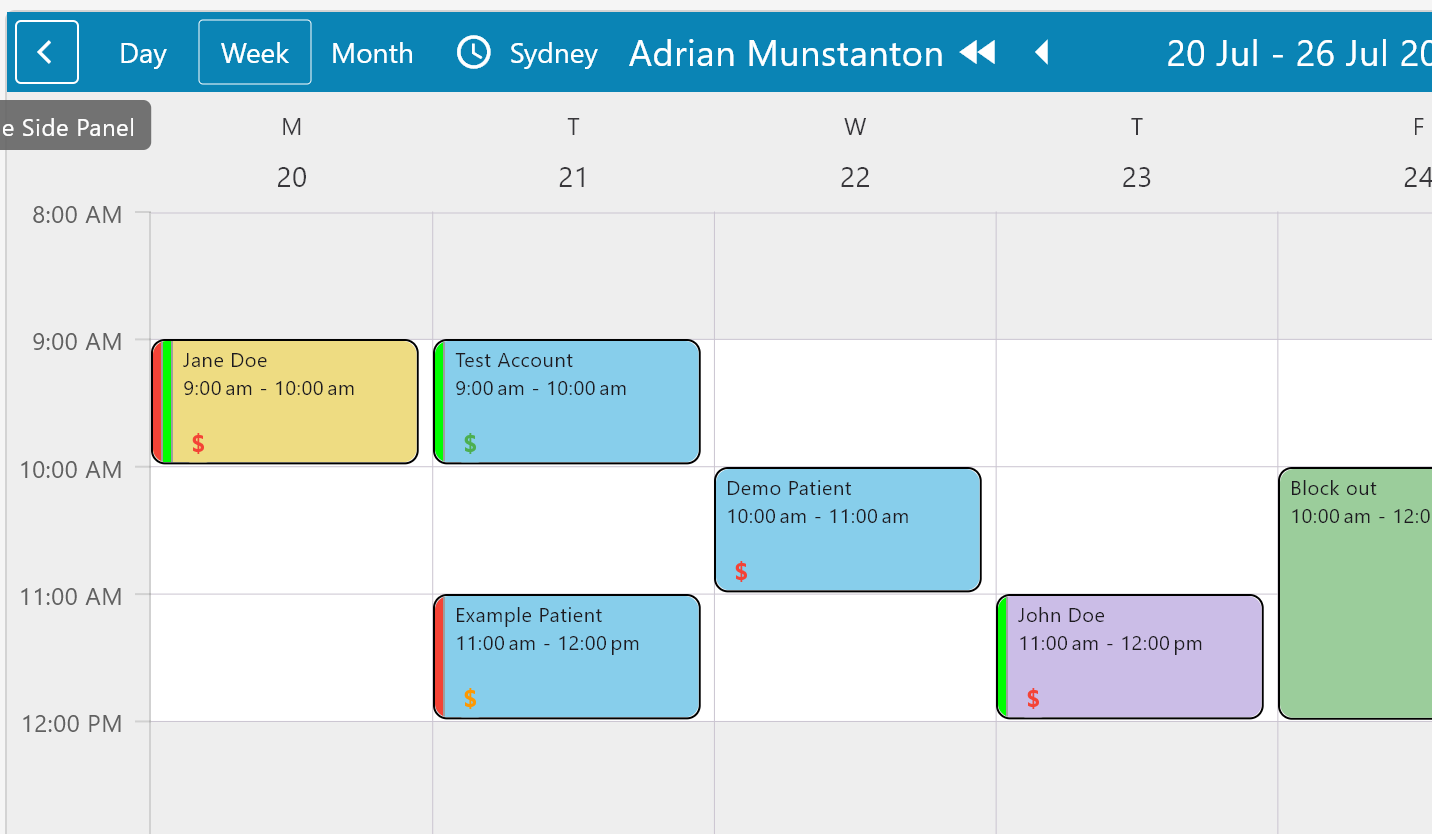
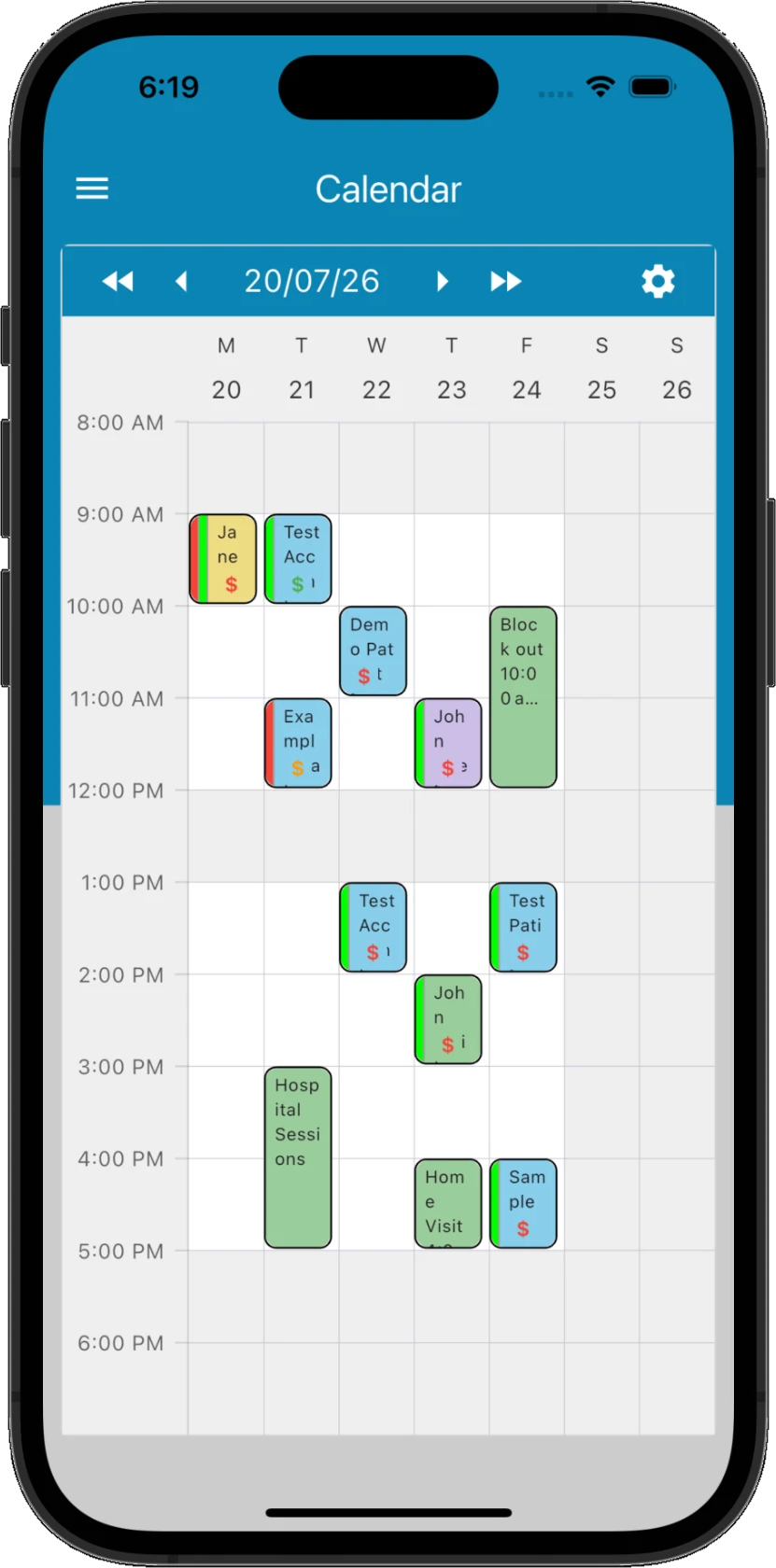
Know which accounts need your attention.
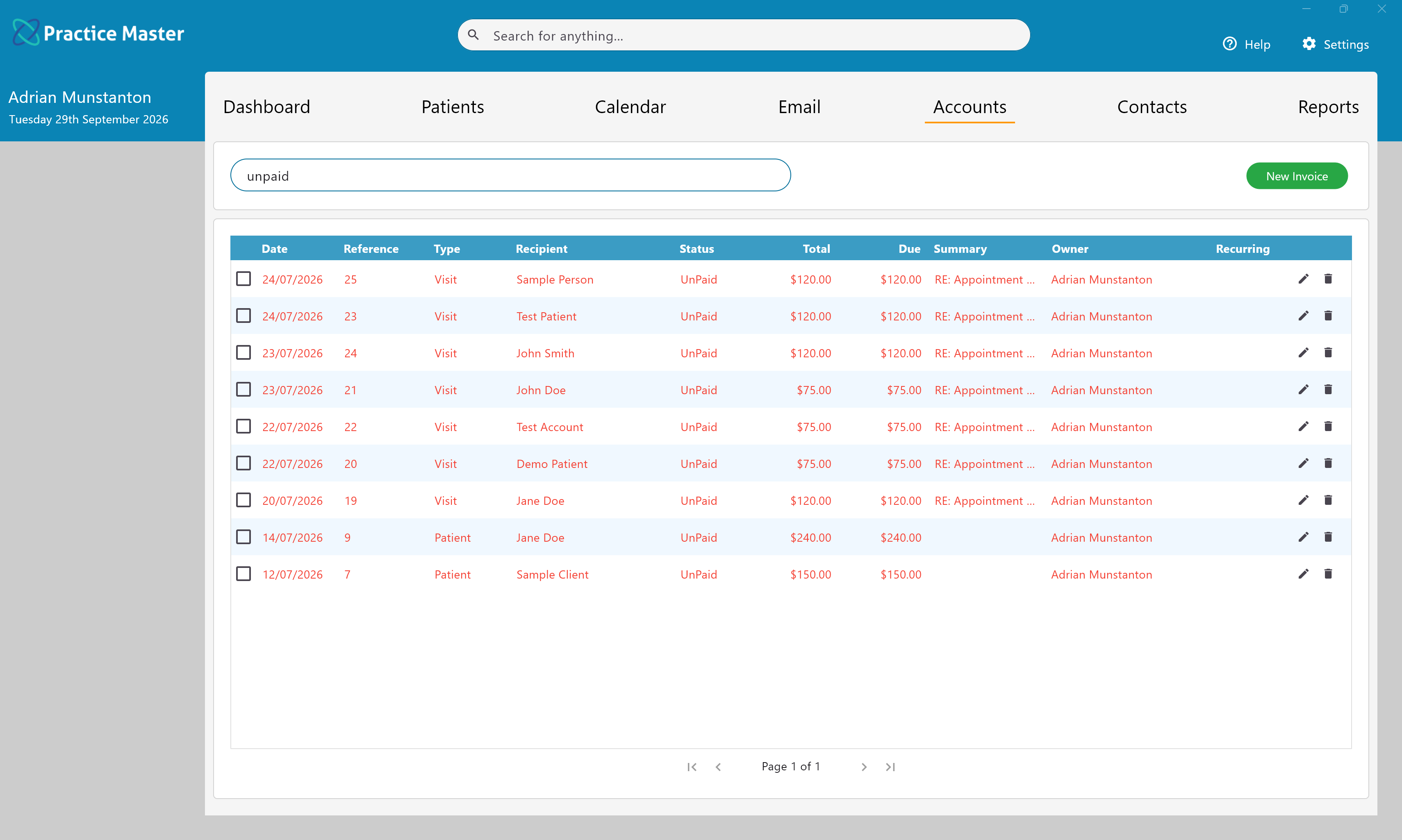
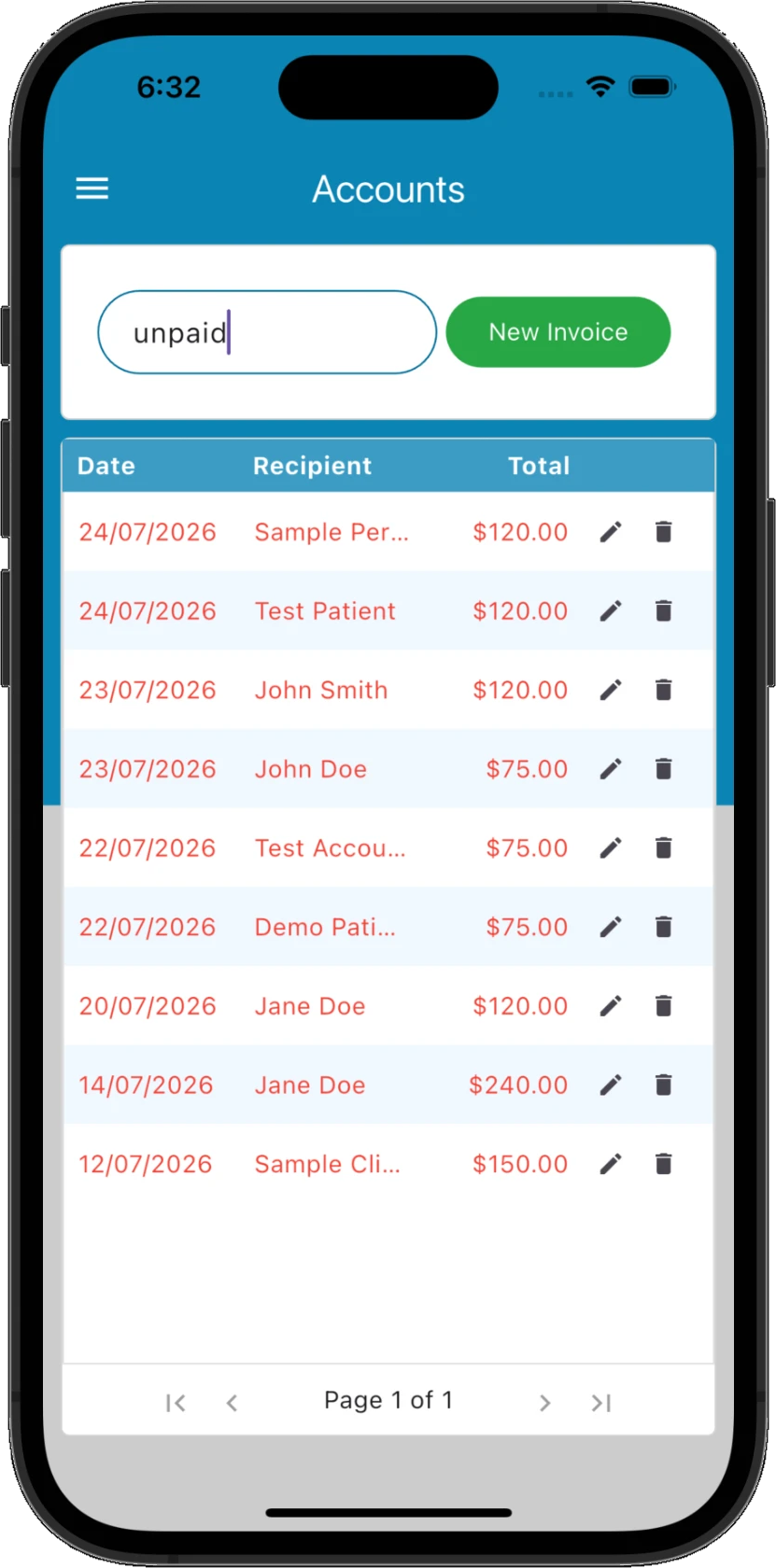
Find outstanding invoices without working through separate lists. Search by payment status, review patient balances and give your team a clear starting point for account follow-ups.
- ✓ Filter invoices to find unpaid and part-paid accounts
- ✓ Review the balance owing for each patient
- ✓ Check payment status alongside related appointments
- ✓ Identify debtors within your billing workflow
Reduce the repeated entry at reception.
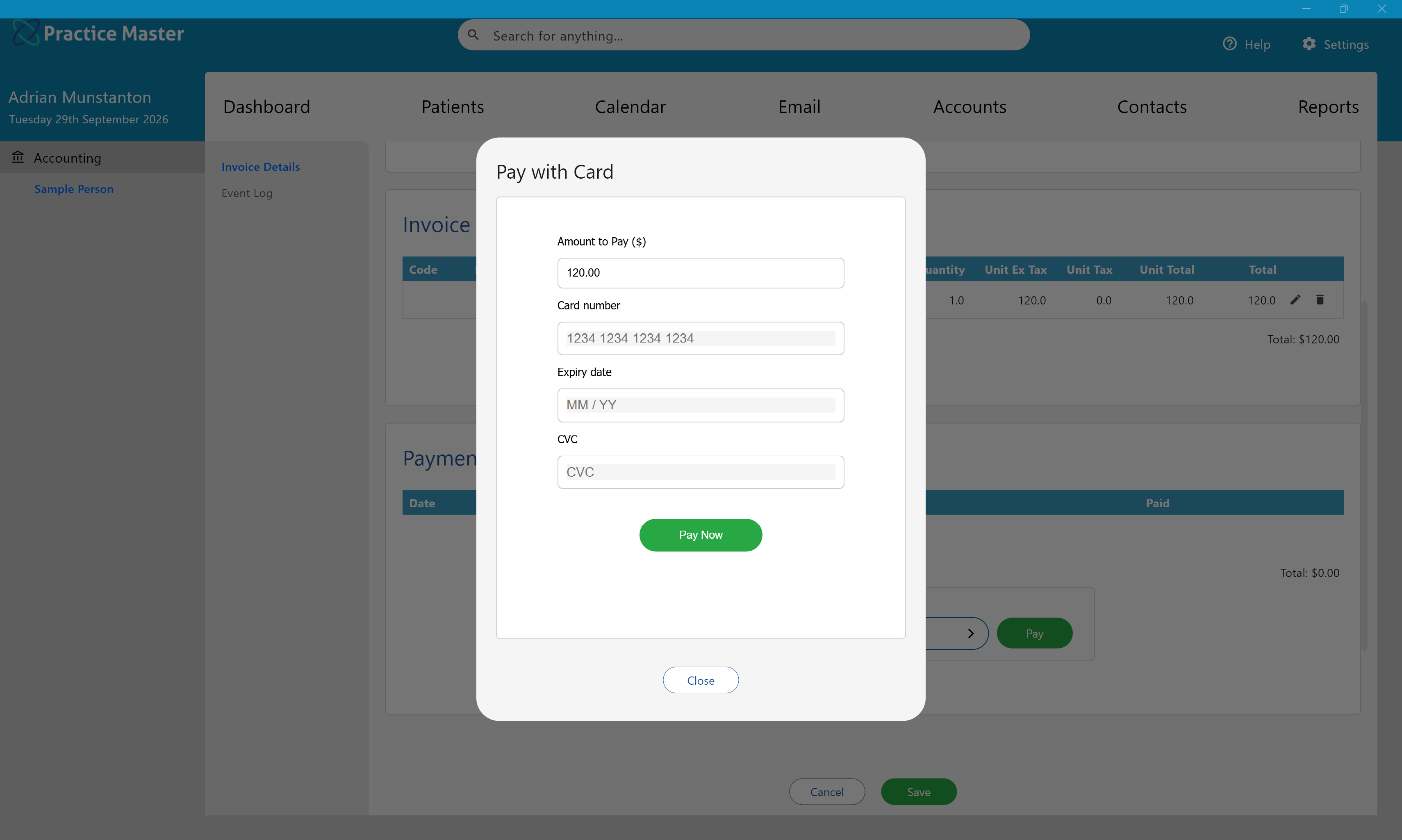
Bring supported payment and claiming options into your billing workflow. For Australian practices, supported Tyro Health integrations connect EFTPOS, Medicare and health fund claiming with the invoice and patient record.
- ✓ Record payments against the invoices they settle
- ✓ Use integrated card payments through Square & Stripe
- ✓ Access supported Medicare and health fund claiming in Australia
- ✓ Reduce duplicate entry across supported payment integrations
Help patients take the next step from their invoice.
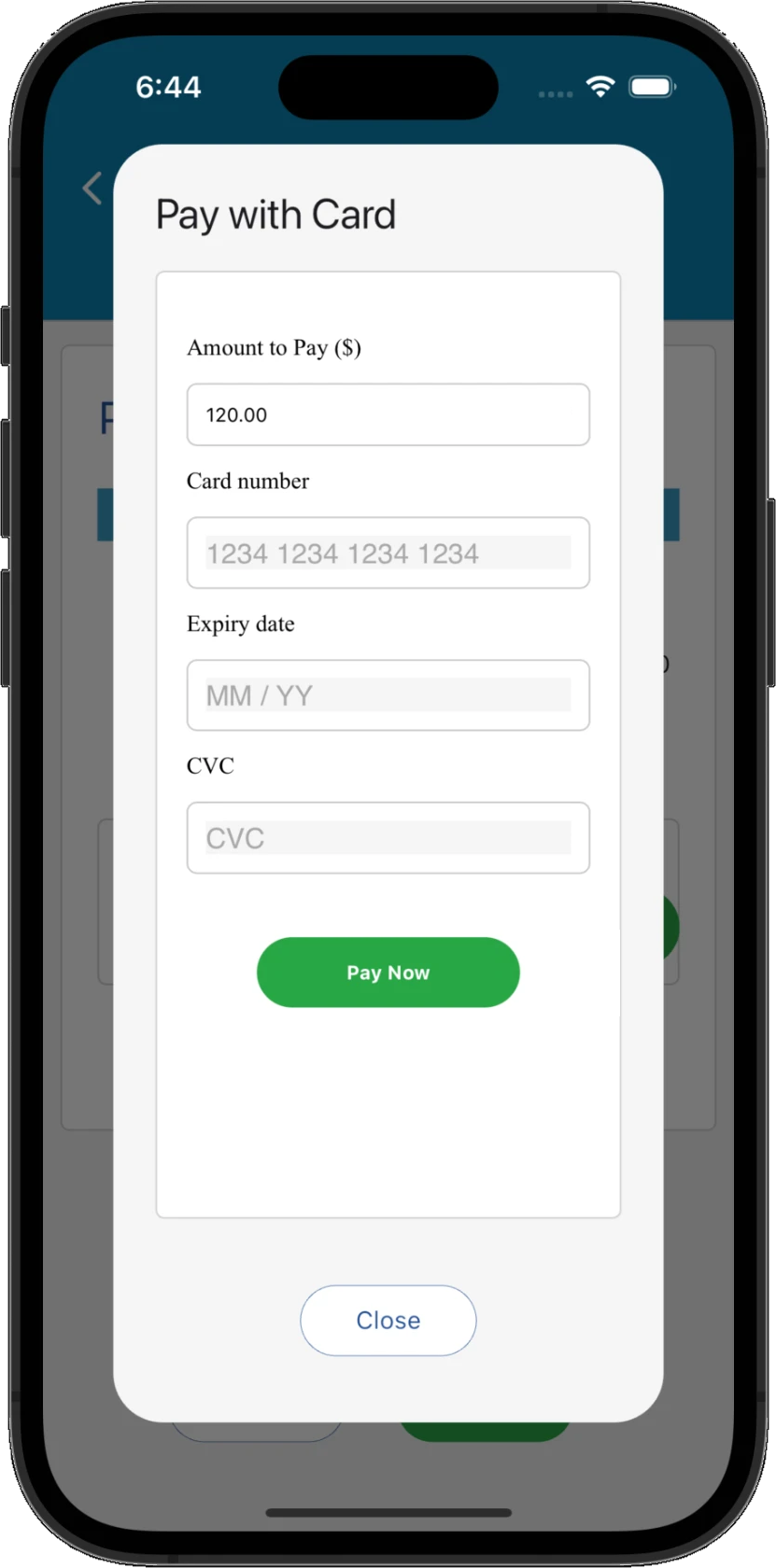
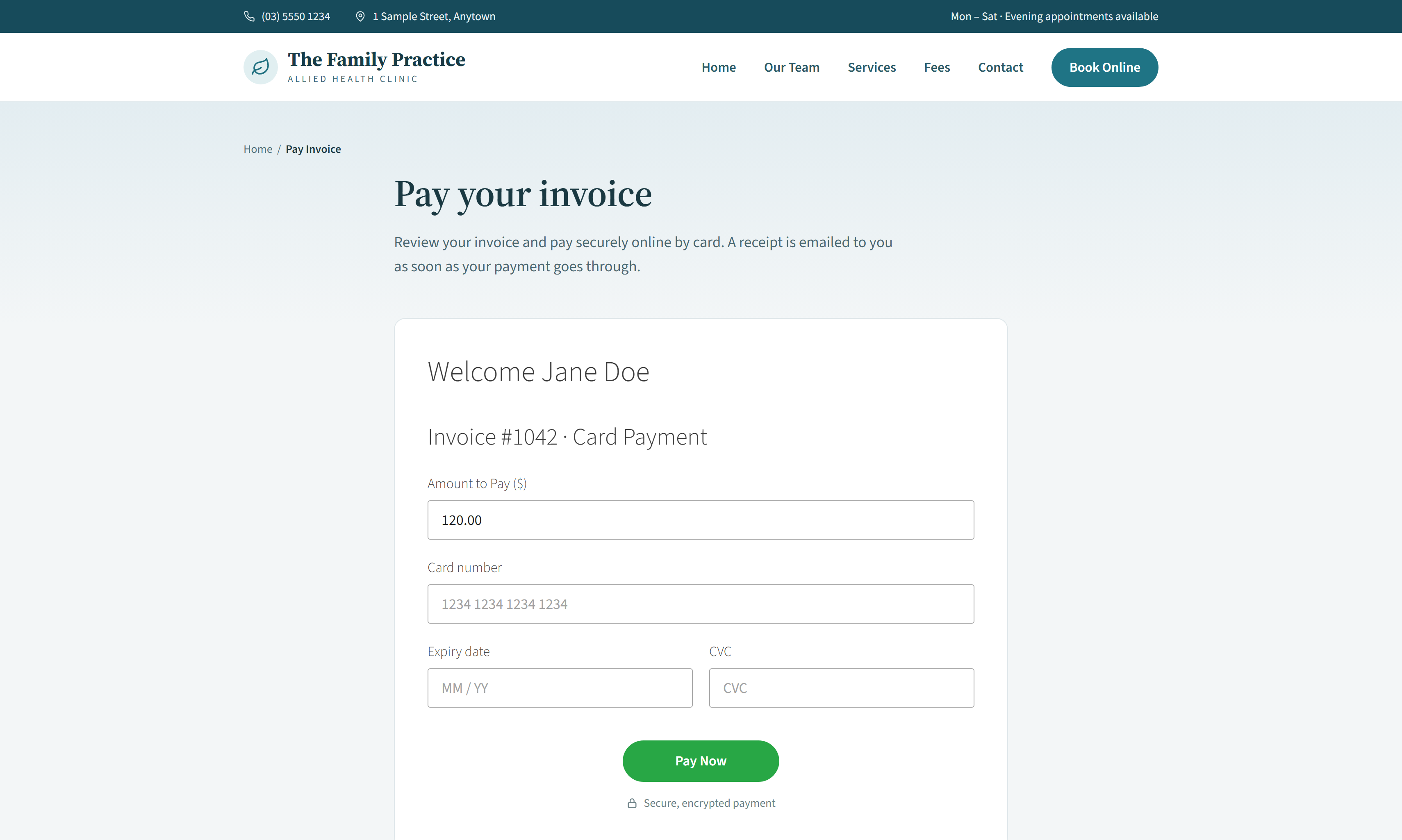
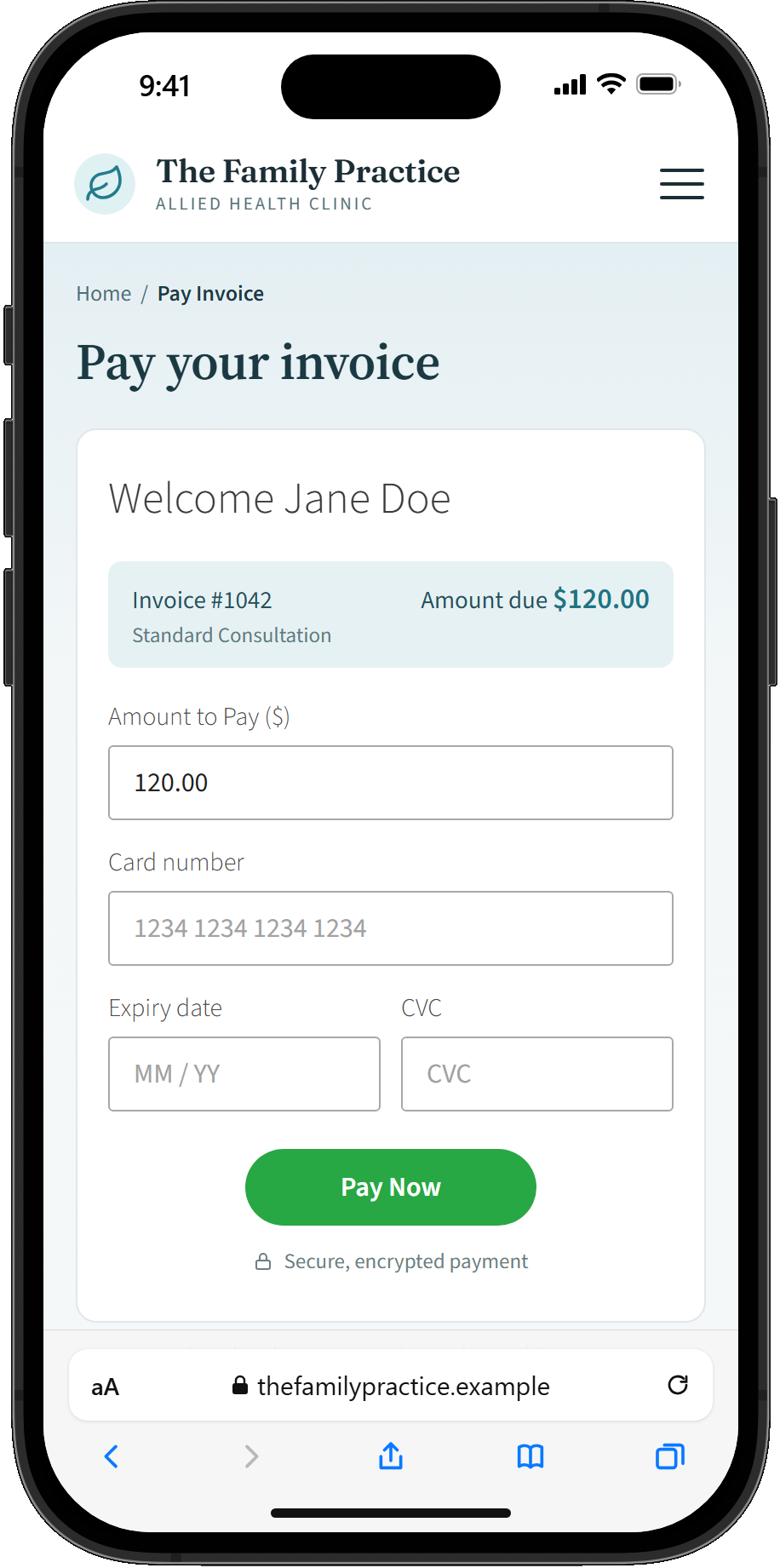
Give patients a convenient way to pay through supported online payment workflows. Send billing information electronically and keep successful payments linked to the account, helping your team spend less time updating payment details manually.
- ✓ Offer remote payment through supported workflows
- ✓ Share payment details with electronic billing communications
- ✓ Link successful payments to the patient's account
- ✓ Reduce manual payment updates and reconciliation work
Keep each step of billing moving.
From booking details to financial reports, keep the information behind each account connected. Move through invoicing, payments and follow-up with the patient's context close at hand.
Invoice the appointment
Move from the patient visit to billing with the patient and appointment details in context.
Apply the payment
Record payments against the relevant account and see the balance that remains.
Send billing correspondence
Email invoices and related account communications within your practice workflow.
Review the patient account
Keep invoices and payment history linked to the patient record for informed follow-up.
Understand your figures
Use captured billing data to report on revenue, payments and outstanding accounts.
Share with your accountant
Export financial information for your accountant or external accounting workflows.
Give your team the details to respond confidently.
When a patient asks about an invoice or payment, bring their account information into view. Keep billing connected to the wider patient record so reception and practitioners can check the details before taking the next step.
Check the invoice
Review the patient's invoices within the account workflow to understand the enquiry.
Confirm the payment status
See whether an invoice is paid, partially paid or awaiting payment before following up.
Keep the patient in context
Access billing alongside the patient record and appointment information your team needs.
See the figures behind your practice.
Use the invoices and payments already recorded in Practice Master Pro to understand your accounts. Start with built-in reports, customise the information you want to analyse and export figures when you need to share them.
Report from recorded activity
Build a financial picture from the billing and payment information captured during everyday work.
Focus on the details you need
Customise report columns and grouping to answer the questions that matter to your practice.
Export for accounting
Share financial data with your accountant or use exports in supported accounting workflows.
Keep your accounts connected wherever you work.
Access cloud-hosted patient and billing information through apps for Windows, Mac, iPhone, iPad and Android. Whether you practise naturopathy, osteopathy, chiropractic, physiotherapy, speech therapy, podiatry, acupuncture or dietetics, authorised team members work with the same current accounts.
One up-to-date view
Centrally stored invoices and payments keep authorised users working from current account information.
Patient context close at hand
Keep billing alongside patient and appointment details within the same practice system.
Your choice of device
Review accounts on your Windows or Mac computer, iPhone, iPad or Android device.
See how much simpler patient billing can feel.
Try Practice Master Pro patient billing software free for 14 days. Explore connected invoices, payments and accounts, and see how the workflow fits your practice.