Fully integrated email. More context. Less admin.
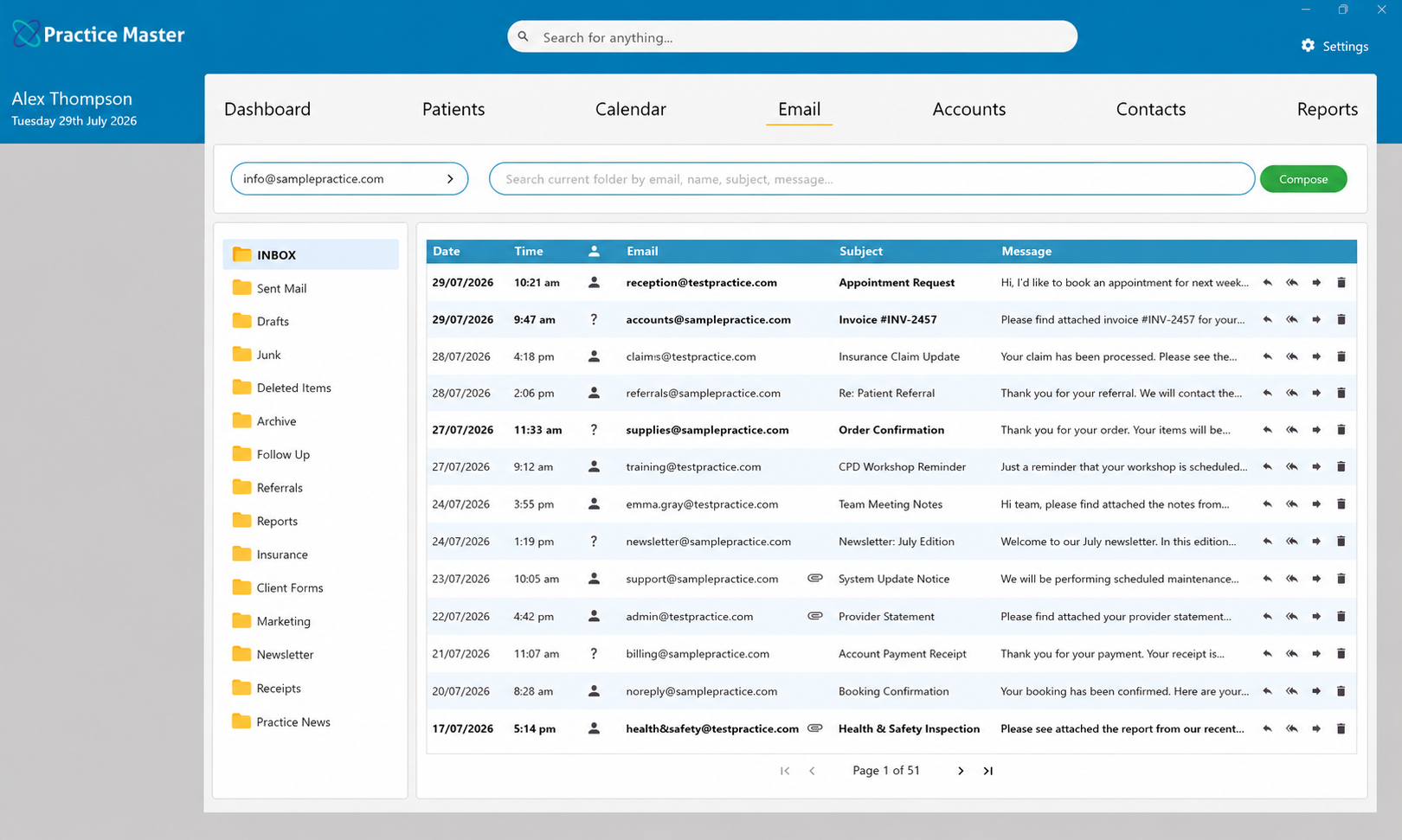
Bring patient emails into the same system as your clinical notes, appointments and accounts. Practice Master Pro links messages to patients and contacts, keeps correspondence with their records and helps you send personalised replies using reusable templates.
Keep every patient conversation connected.
An email is easier to act on when you have the patient information alongside it. With fully integrated email in Practice Master Pro, your allied health team can find the relevant record, review previous correspondence and respond with the context they need.
Find the right patient faster
Match incoming messages to patients and contacts, including people with more than one email address.
See the conversation history
Review sent and received emails from the patient or contact record, with less inbox searching.
Write once. Personalise every time.
Create reusable emails with personalised merge fields and standard attachments for common practice communications.
Manage your practice mailboxes
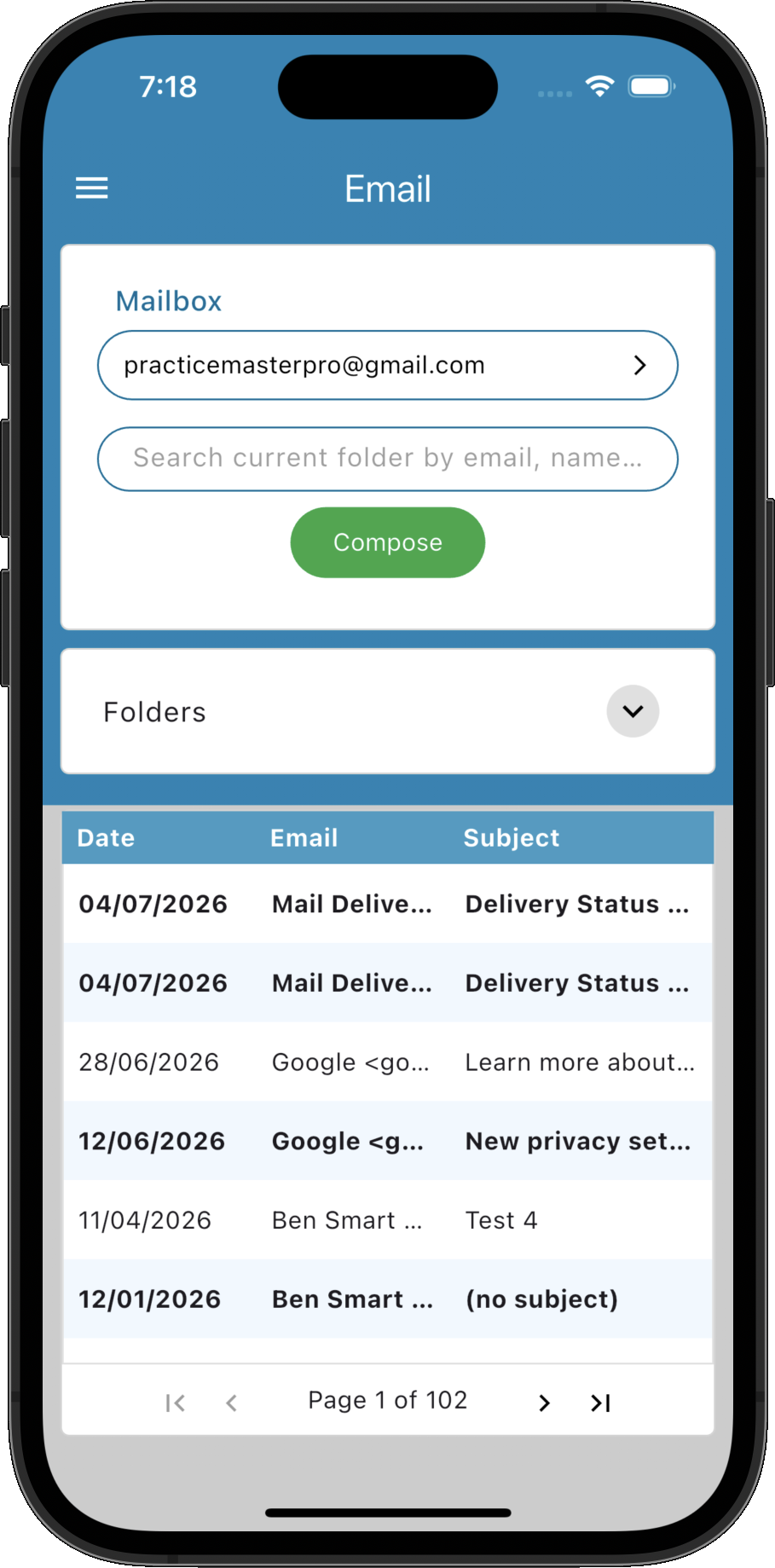
Work with multiple practice email accounts in one application, with less switching between logins.
Take the next step with context
Move from a message to the relevant patient, appointment, notes or accounts workflow.
Send invoices and booking details
Email invoices, appointment information and other correspondence from the system you already use to manage them.
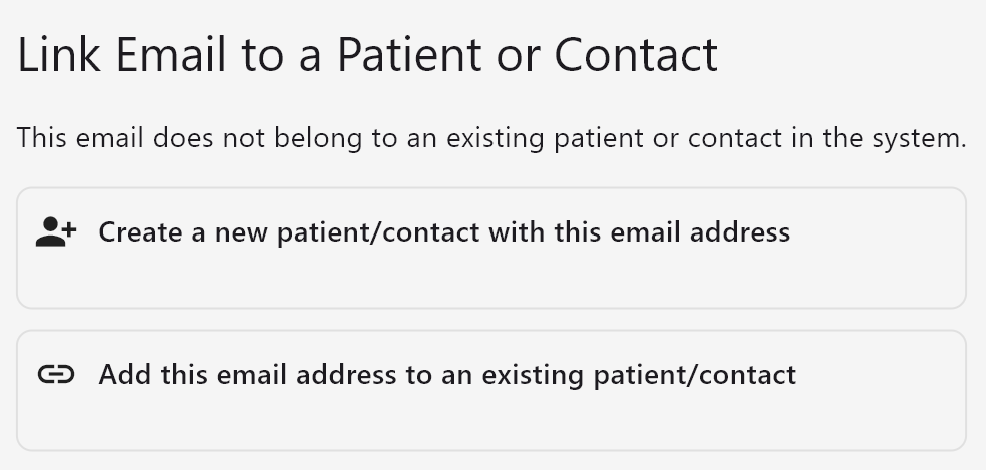
Connect the message to the person behind it.
Practice Master Pro can match an email address to an existing patient or contact. Open the relevant record from the message and get the information you need to respond, whether you are handling a patient enquiry or correspondence from another practitioner.
- ✓ Link email addresses to existing patient and contact records
- ✓ Match more than one email address to the same person
- ✓ Open relevant patient information directly from a message
- ✓ Spend less time identifying the sender and finding their record
Pick up the conversation with confidence.
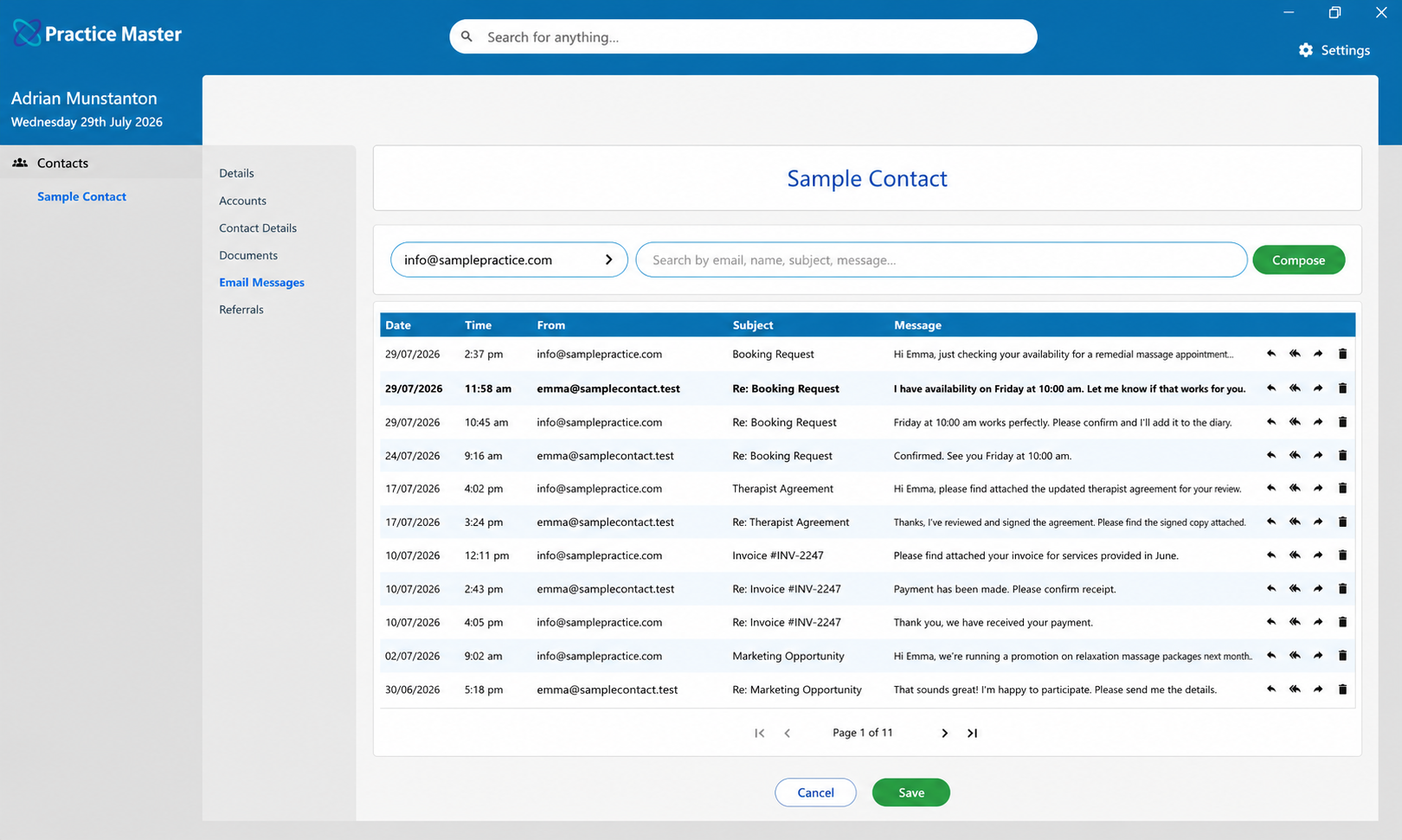
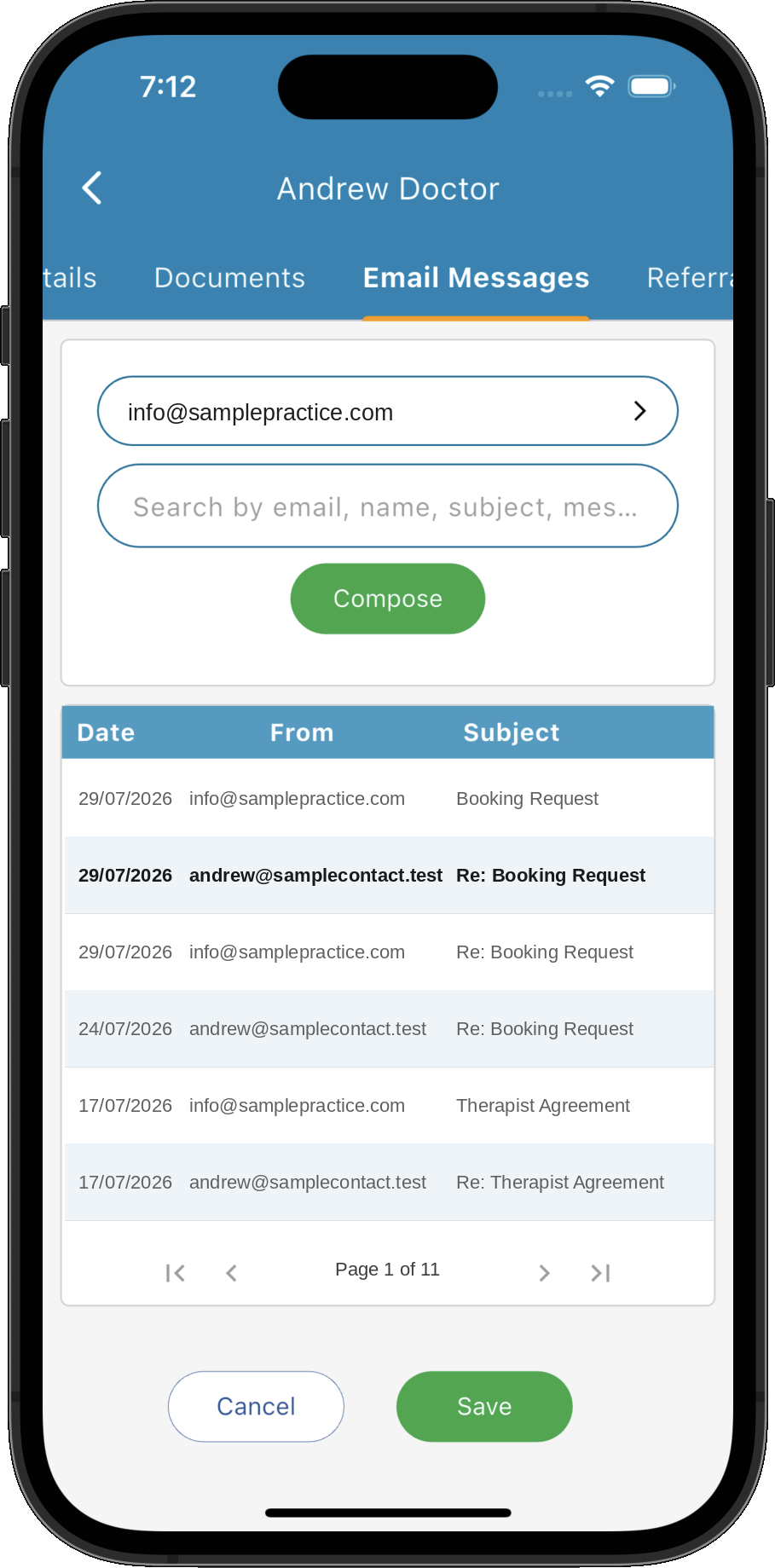
Keep sent and received emails close to the patient or contact information they relate to. Review earlier discussions before replying, so authorised team members can follow the conversation without relying on memory or searching a crowded inbox.
- ✓ Review sent and received emails for each patient or contact
- ✓ Keep correspondence linked across multiple email addresses
- ✓ Check earlier discussions alongside patient information
- ✓ Help authorised team members follow the communication history
Make everyday emails quicker to send.
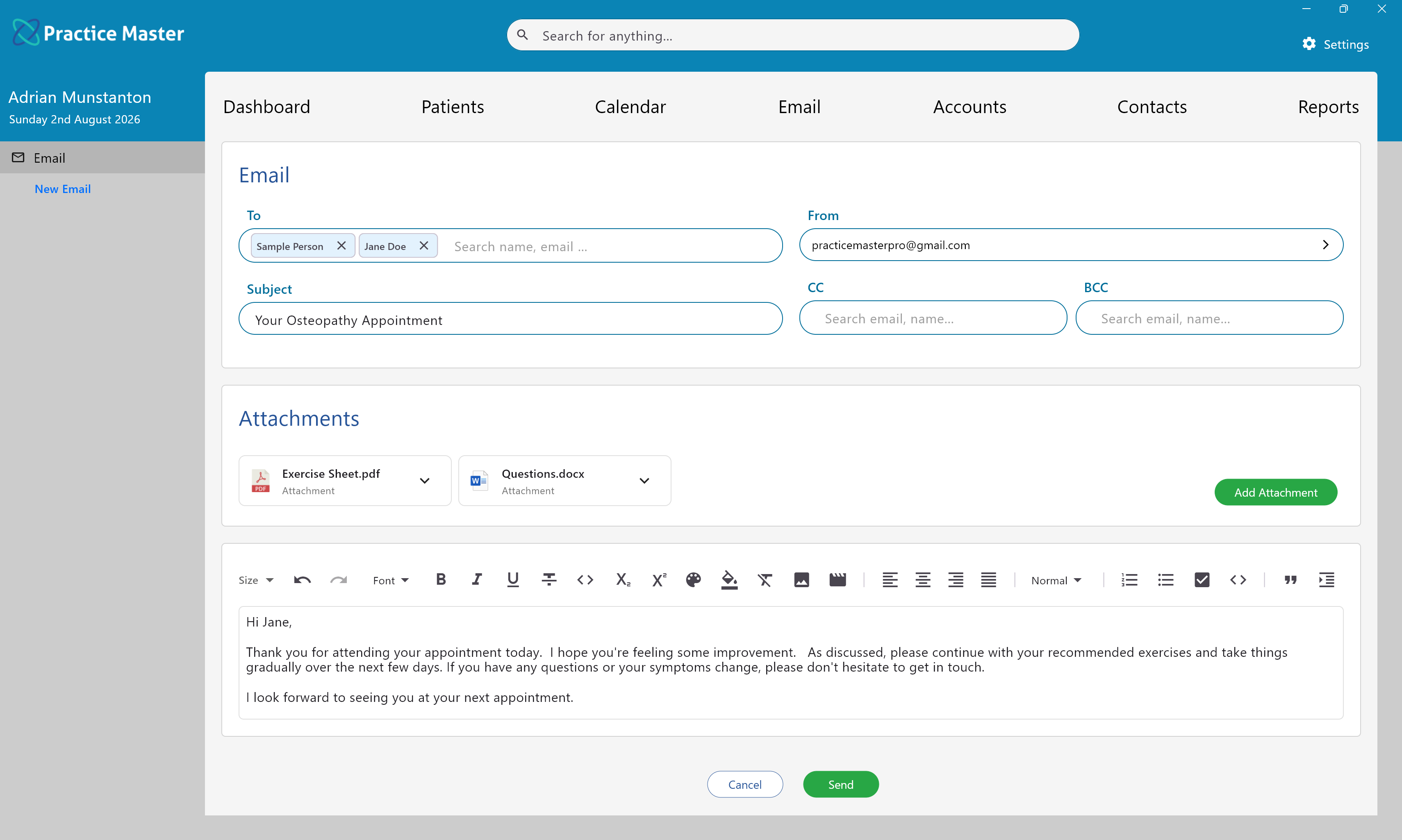
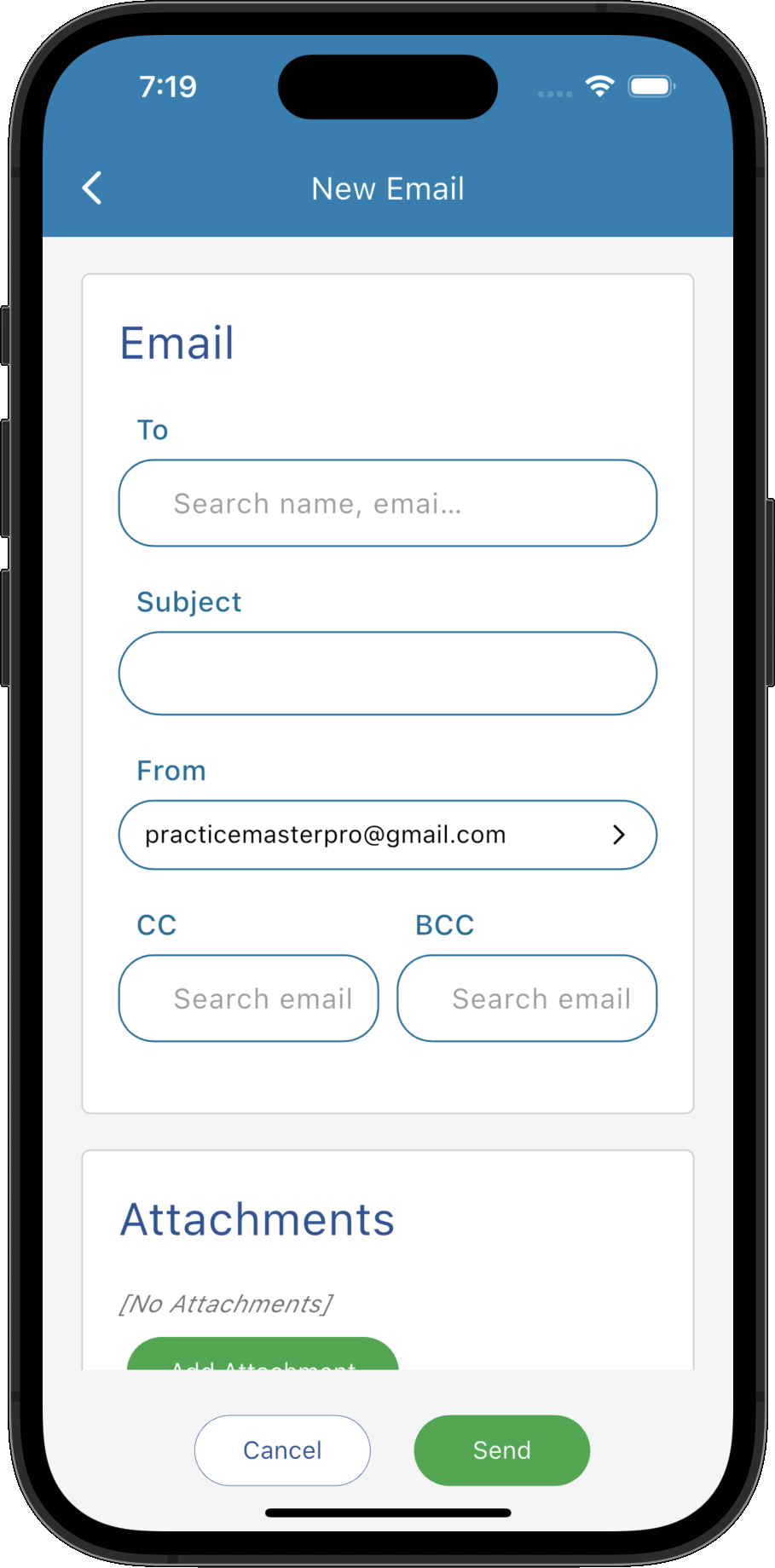
Create templates for welcome messages, information packs, appointment details and frequently used replies. Merge fields add relevant patient, contact or appointment details, while standard attachments help you prepare routine communications with less repetitive work.
- ✓ Build templates for the messages you send most often
- ✓ Add a personal touch with merge fields
- ✓ Include standard attachments in your templates
- ✓ Create templated emails from relevant practice workflows
Your existing email accounts. One place to work.
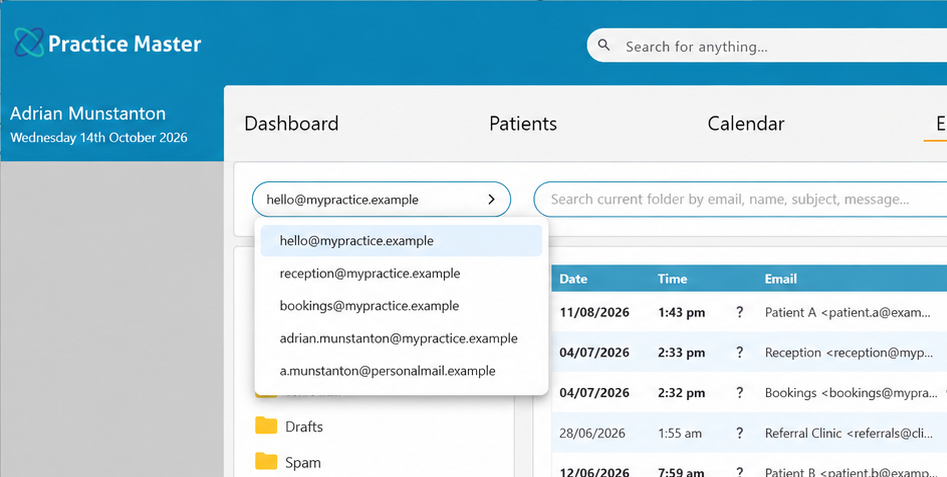
Bring reception, administration and practitioner mailboxes into Practice Master Pro. Use your existing email accounts and move between them in the same application, keeping everyday communication connected to your patient and contact records.
- ✓ Connect your reception, administration and practitioner mailboxes
- ✓ Switch mailboxes within Practice Master Pro
- ✓ Link correspondence to the relevant patients and contacts
- ✓ Keep using your existing practice email accounts
From patient enquiry to next step, stay connected.
An appointment enquiry, a billing question or a treatment follow-up each needs a different response. Move from email into the relevant area of Practice Master Pro to review the details and act, with patient information close at hand.
Find the patient record
Open the patient record from a matched message to check details before responding.
Review clinical notes
Access the relevant patient clinical record when a treatment enquiry needs more context.
Manage the next appointment
Move into appointment workflows to handle questions about the next visit.
Check billing details
Review invoices and account history when a patient asks about a bill or payment.
Keep documents with the record
Keep useful attachments and patient documents linked to the record they belong to.
Send emails from your workflow
Start correspondence from patient, appointment and invoice workflows with the relevant context already available.
Put your practice information to work.
Use the details already in Practice Master Pro to prepare everyday emails. Personalise templates with patient information, send invoices from accounts and prepare appointment messages without repeatedly copying details between applications.
Messages with a personal touch
Use merge fields to insert relevant recipient details into reusable email templates.
Attachments ready to include
Include standard files in your templates to prepare information packs with fewer manual steps.
Booking and billing emails
Send invoice and appointment communications from their relevant practice workflows.
Keep your team connected across devices.
Practice Master Pro combines a cloud backend with apps for Windows, Mac, iOS and Android. Email and practice information are part of an online system, helping authorised team members work with current information across their devices.
Email within your practice system
Work with email alongside patient records, appointments, documents and accounts.
A shared source of information
Give your authorised team access to centrally stored practice information as they work.
Apps for your everyday devices
Use Practice Master Pro on Windows, Mac, iOS and Android to stay connected to your practice.
Try a more connected way to communicate.
Start your free 14-day trial of Practice Master Pro. Explore fully integrated email, try personalised templates and see how patient correspondence fits into your daily workflow.